
From chaos to clarity
Every order your customers send arrives as one clean, validated record — whatever format it started in, whatever system it is headed for.
A workspace with your name on it.
Brydge is a web app your team signs into — carrying your logo, your imagery and your catalogue, not ours.
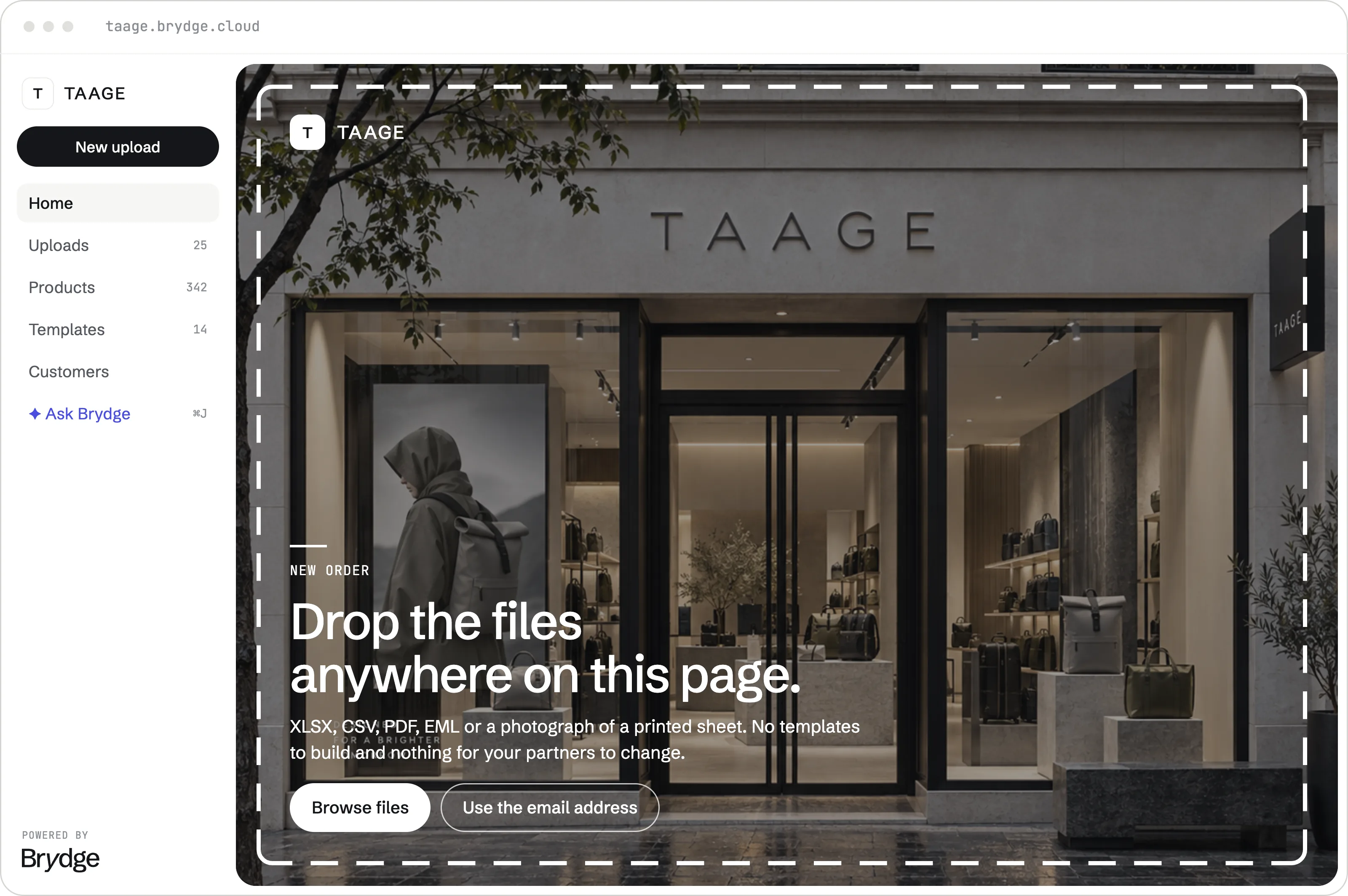
Drag a file in, or paste a screenshot of one — up to 100MB each. For most people that is the whole of the job.
Whatever your customer sent is what you upload. Brydge works out the structure on the way in.
Your logo and campaign imagery, on your own subdomain. Agencies switch between client brands from the rail.
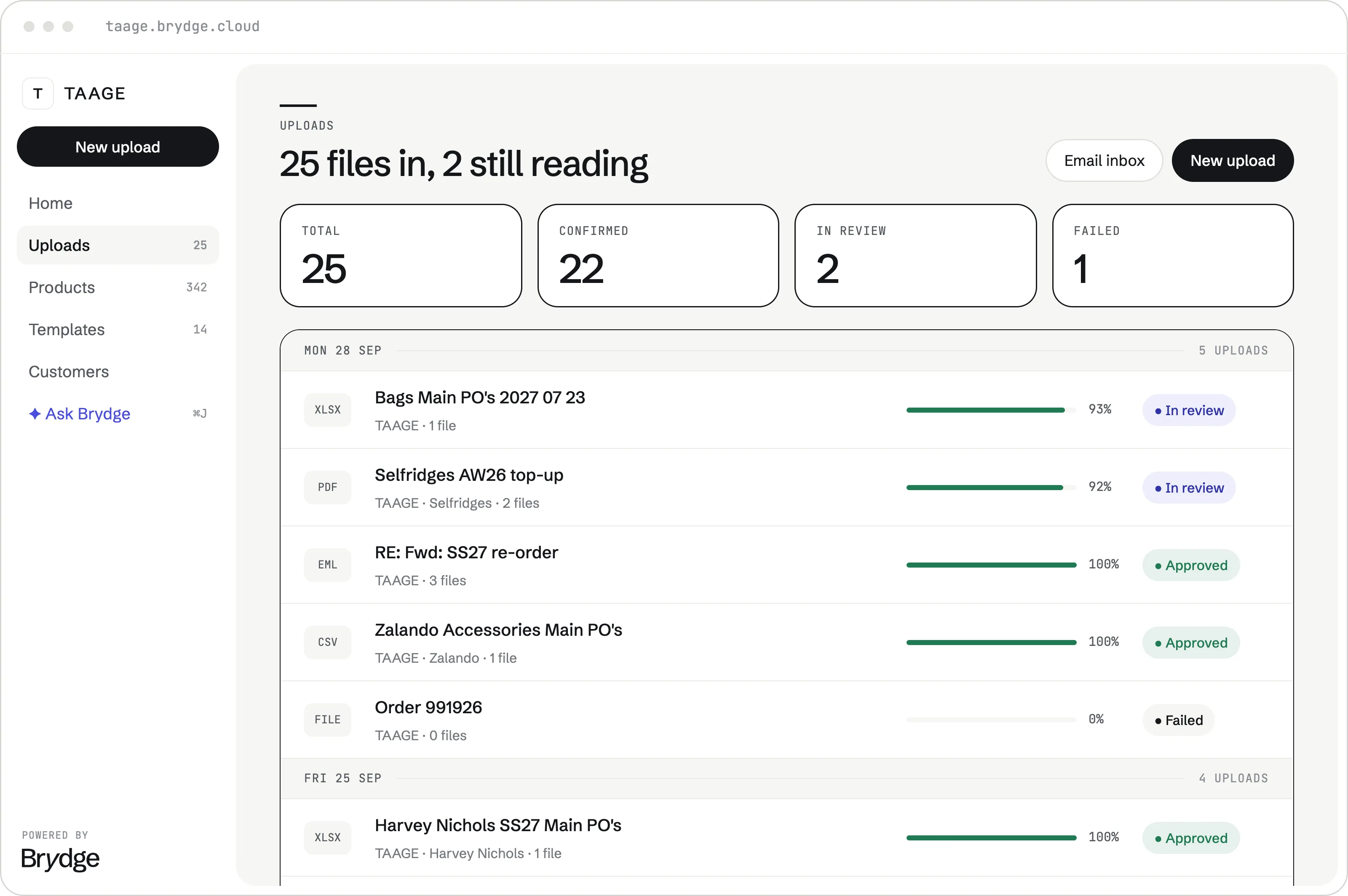
Every file keeps its history. Open last Tuesday's order and see what Brydge read, what it matched and what it changed.
Totals across the top and a filter for the ones still in review — so you look at the exceptions, not all twenty-two.
Give a customer a dedicated inbox and what they send arrives in the same list as everything else.
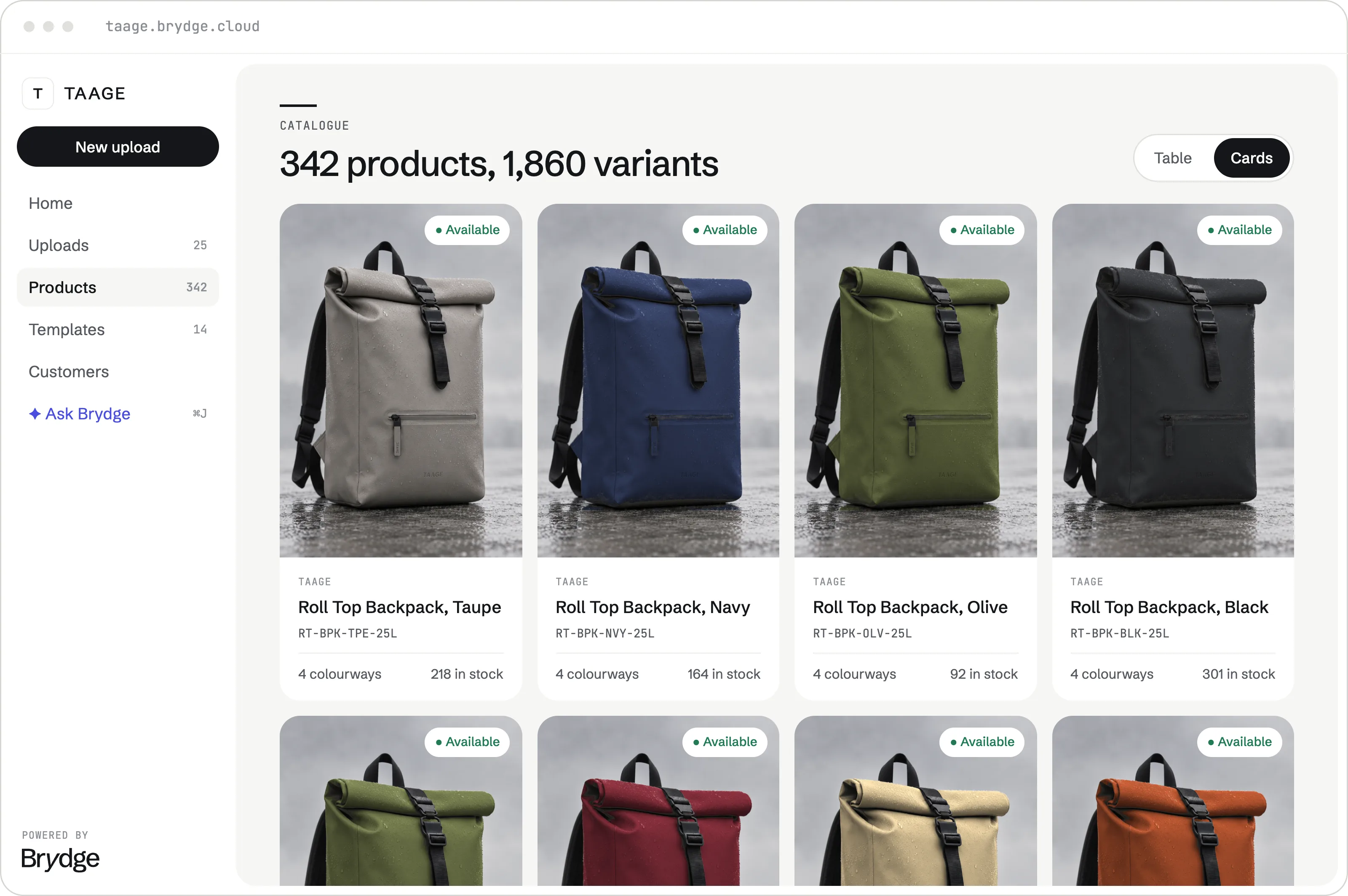
Import it once and every order is matched against your real SKUs, variants and attributes.
By title, SKU, ID, colour, size, or any attribute you have set up — not only an exact code.
Size runs, colourways and availability, so every match is checked against what actually exists.
Every way in. One way out.
Accept any format. No templates required, and nothing new for your customers to learn.

validated,
matched.
It learns your customers' orders.
Show Brydge one file from a customer and it learns how their documents are built. Everything they send after that lands cleaner.
It works out the structure from a single file.
Write down anything odd about a customer. Once.
Split by PO, split by store, spread across size runs.
Customer changed their export? Update and re-run.
Every field checked. Every match scored.
Your product catalogue and brand guidelines become the source of truth. Brydge checks every line item in real time, then tells you the one it is unsure about.
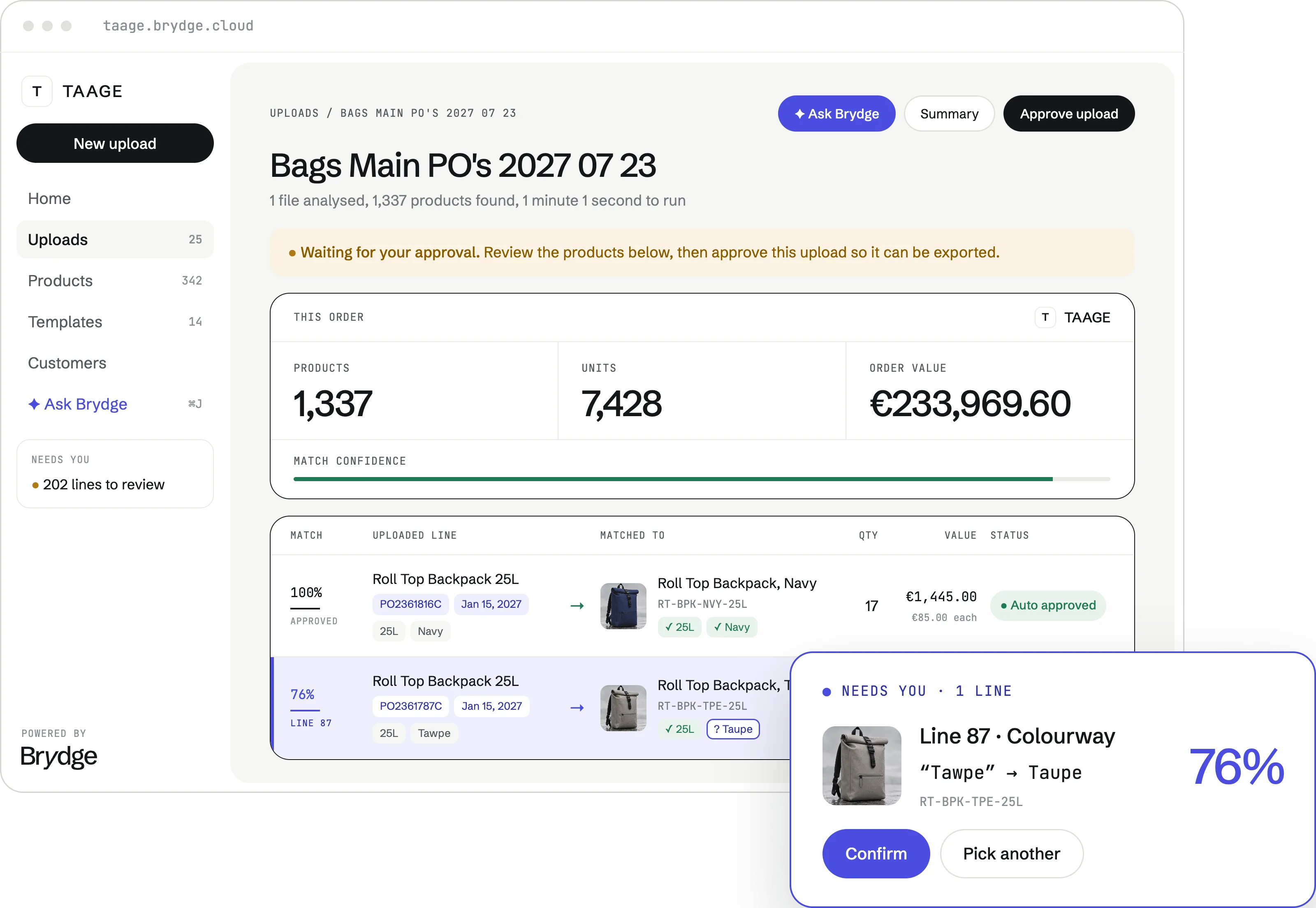
Matches against your SKUs, variants and naming conventions automatically.
Minimum order quantities, price lists and territory rules are enforced on the way in.
Every line carries a score, so review means checking one line, not a hundred.
Fix a match once and the same customer's next order already knows.
One file. Several orders.
A single spreadsheet is often a season, not an order — a few purchase orders, staggered drops, a dozen doors. Brydge reads the whole thing, then breaks it into the records your ERP expects.
Connect with your systems
Direct integrations with all major ERP, OMS and wholesale platforms.








Real-time bidirectional sync. Orders land the moment they are approved.
Any format, any schedule — written to the shape your import expects.
Bring us your worst order file.
Bring a real order file to the demo and we'll run it live — your catalogue, your format, your ERP.